$49
GoBlue
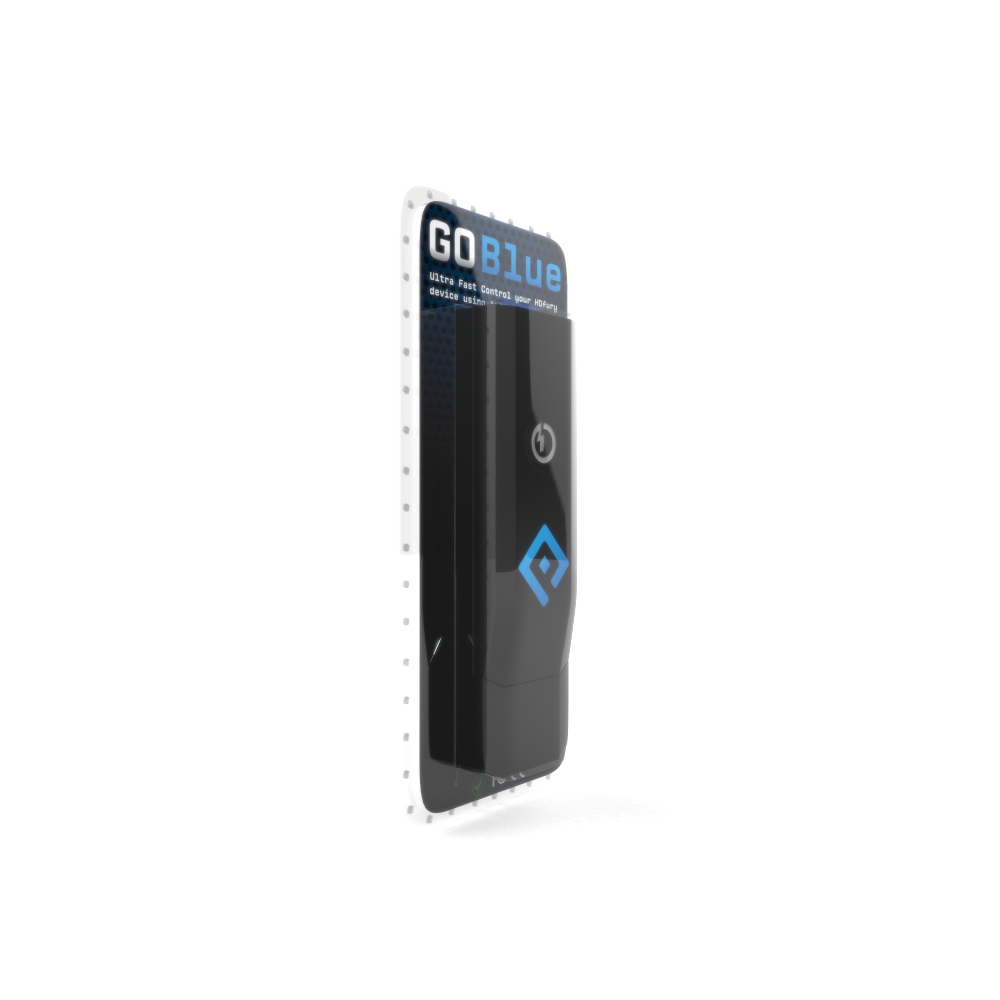
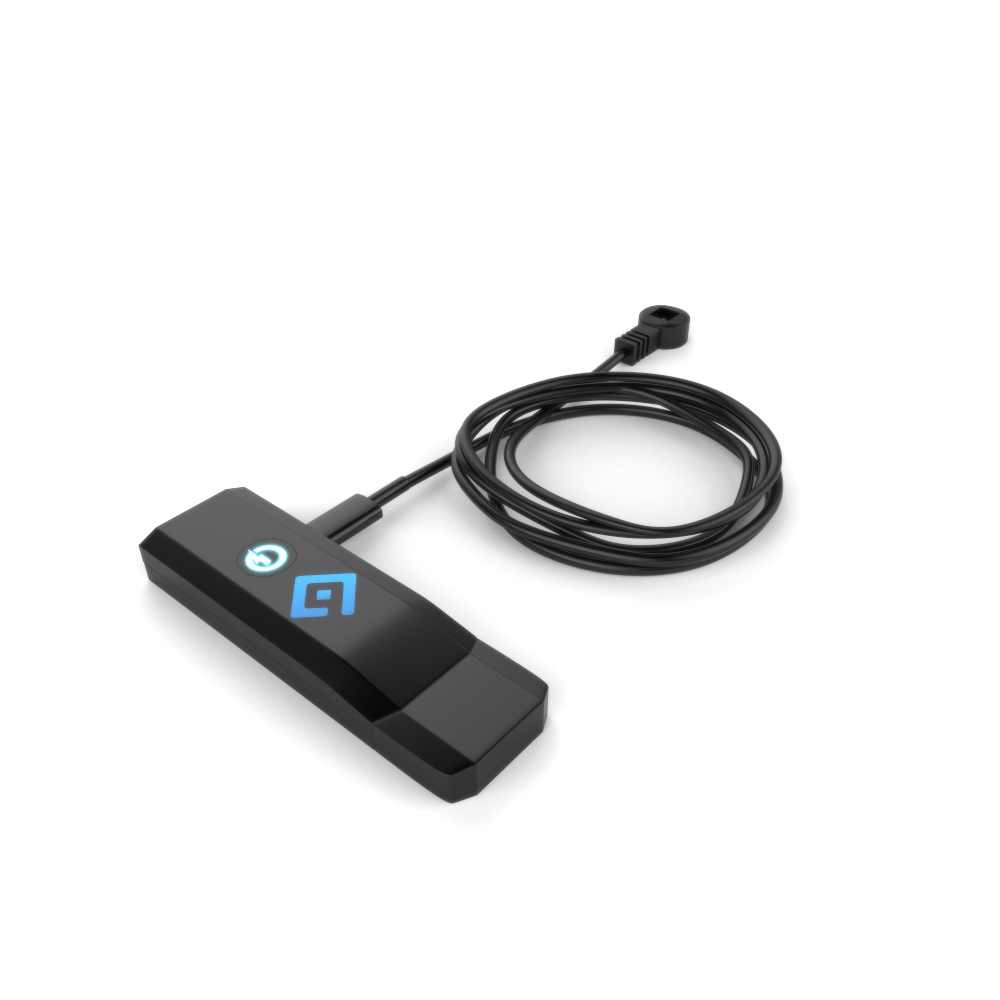
This Kit includes:
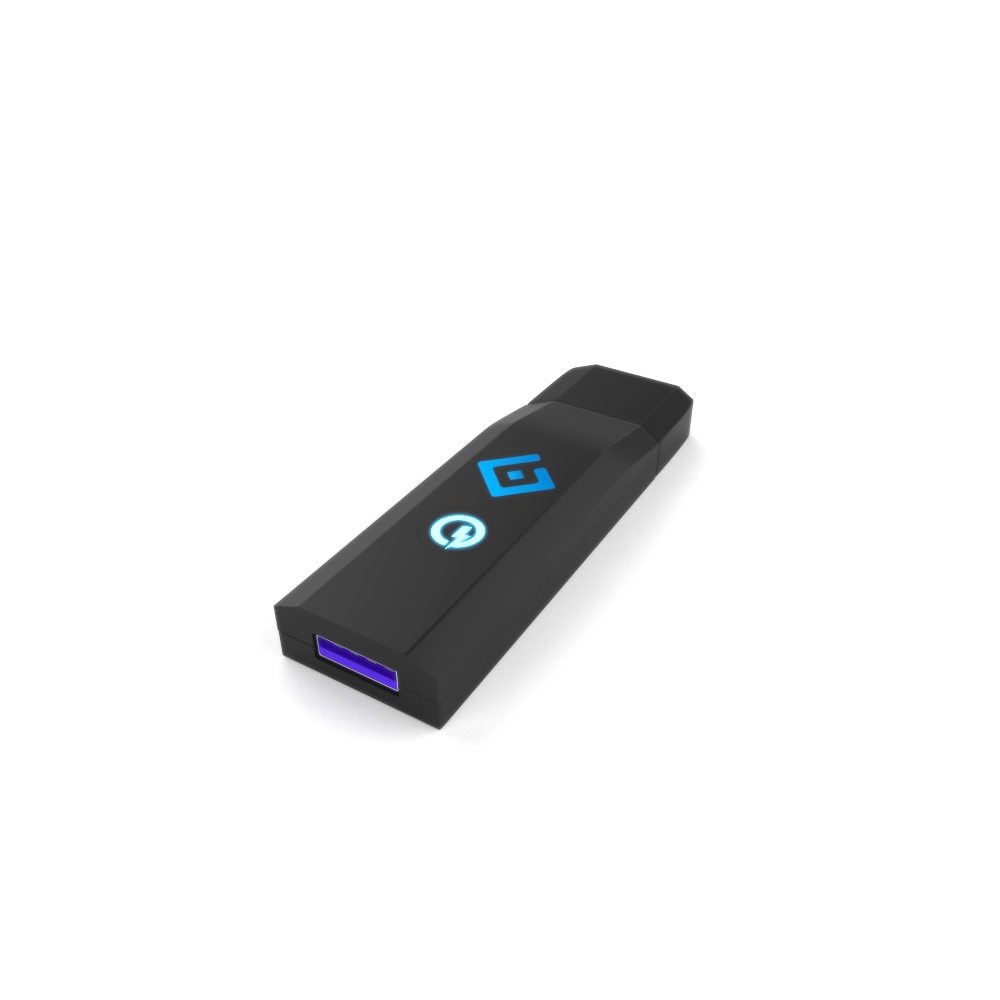
 GoBlue OTG IR/Bluetooth Dongle
IR extender 3m/9ft (optional)
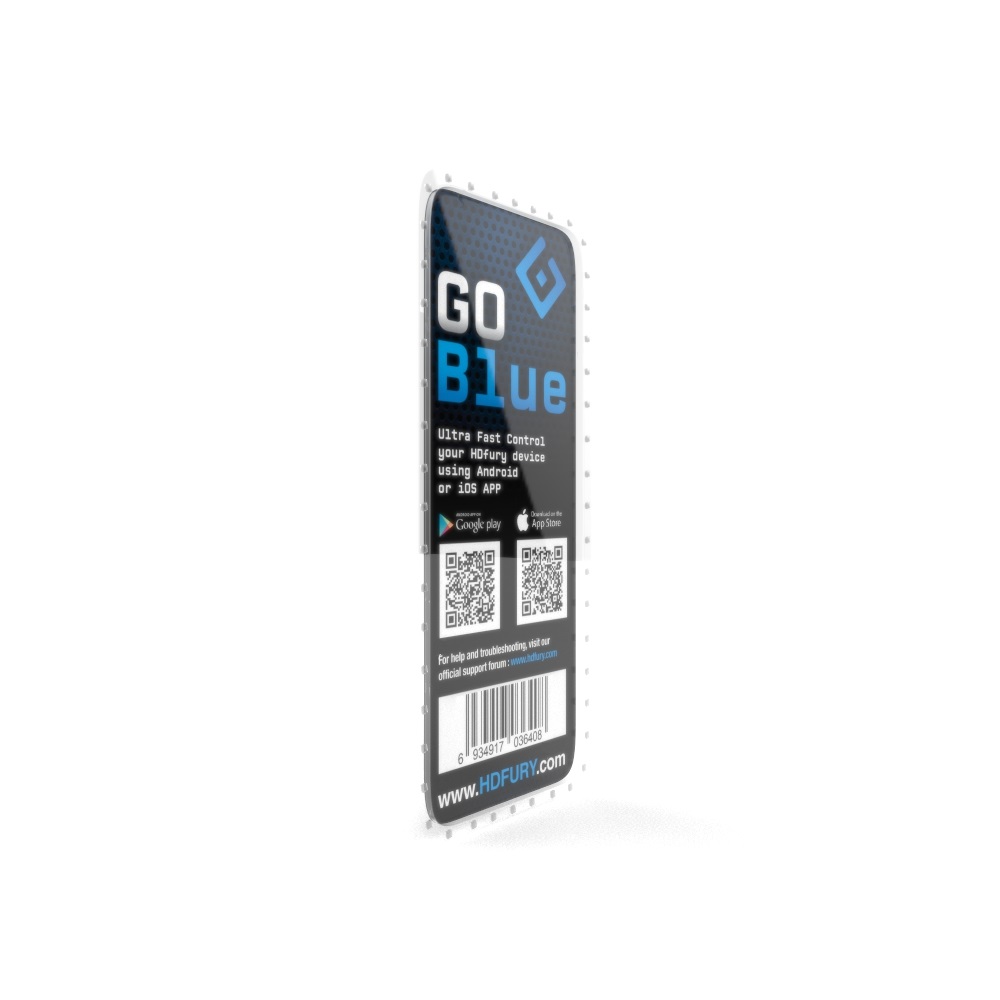
Ultra Fast Control your HDfury device using Android/iOS APP or IR!
Compatible with any HDfury Integral, Integral2, Linker, AVR-Key, Vertex and Dr.HDMI 4K devices, our GoBlue OTG Bluetooth Dongle will provide you faster control and extended Bluetooth range to operate our current HDMI/HDCP2.x range of devices. While the HDfury Linker usually require to be operated via a Windows GUI connection for flashing new EDID bank, with GoBlue, all EDID banks are available directly on the Dongle and can be selected and flashed via the iOS/Android APP or IR in real time.
Simply connect GoBlue between the USB power source and your HDfury device and take control with the Android/iOS APP!
Add iOS/Android APP support via Bluetooth to HDfury Linker, AVR-Key, Integral2, Vertex and Dr HDMI 4K.
Add IR code support for HDfury Linker, Dr.HDMI 4K, AVR-Key, extend IR support for Integral2 and Vertex.
Allow to flash EDID in real time on Linker
Add Ultra Fast Bluetooth control to earlier Integral unit (For units with serial starting by 01)
Control all upcoming HDfury devices.
Extend Bluetooth range no matter the current signal bandwidth (limitation for Integral with onboard BT)
Update with USB stick (FAT32) and Firmware file, compatible with any computer. (Win/Mac/Linux/others)
Support Integral, Integral2, Linker, AVR-Key, Vertex and Dr.HDMI 4K
Specifications:
Control HDfury Linker, Integral, Integral2, Vertex and Dr.HDMI4K and upcoming devices with Ultra Fast Bluetooth.Compatible with Android and iOS APP for Linker, Integral, Integral2, Vertex and Dr.HDMI4K.Allow Ultra Fast Bluetooth on any Linker, Integral, Integral2, Vertex and Dr.HDMI4K devices.Allow to flash EDID in real time on LinkerAdd IR code support for HDfury Linker, Integral, Integral2, Vertex and Dr.HDMI4KExtend Bluetooth range no matter the current signal bandwidth (limitation for Integral with onboard BT)Control upcoming HDfury deviceLightweight and easily portable to wherever you are at home, office, traveling or in the car.Dimension: 7.7 (L) * 2.5 (W) * 1.1 (H) cm.Weight: 17gRohs CompliantCE and FCC CompliantUltra-Low Power Technology
Instructions
Connect GoBlue between any USB port (wall plug or device port) and your HDfury device.
Download the right APP for your device (see download section).
Simply launch the APP and it will autoconnect to GoBlue and allow you to control your unit.
FAQ
Q:How to update the firmware on the unit?
A: Simply download, extract and copy the firmware file you want to flash on the ROOT of a FAT32 formatted USB stick (LinkrOTG.bin must be on the USB disk root when this step is completed). Once done, hold the center button and connect the dongle with the USB stick to the USB power source, wait till led flash 2 times and you are done. Flashing process only takes a couple of seconds.

  |
| |
| |
| |
| |
| |
Only logged in customers who have purchased this product may leave a review.
There are no reviews yet.