$49
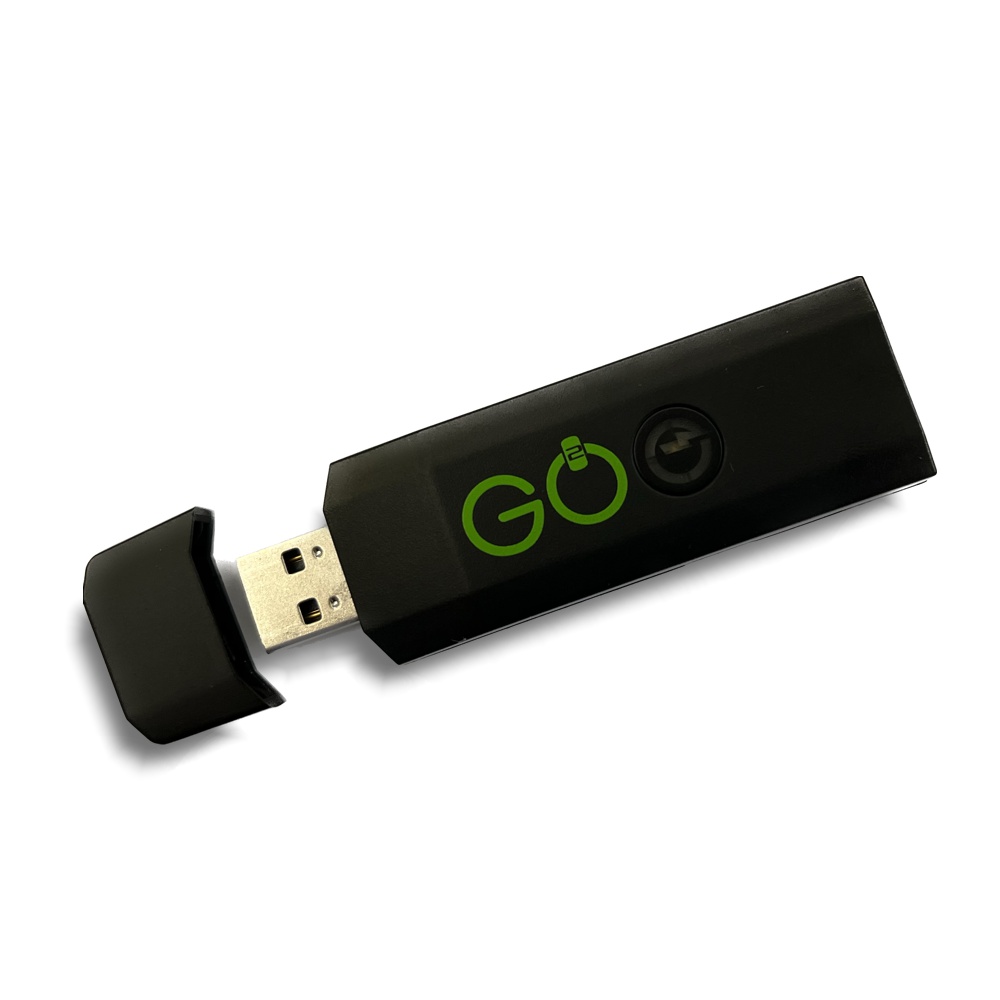
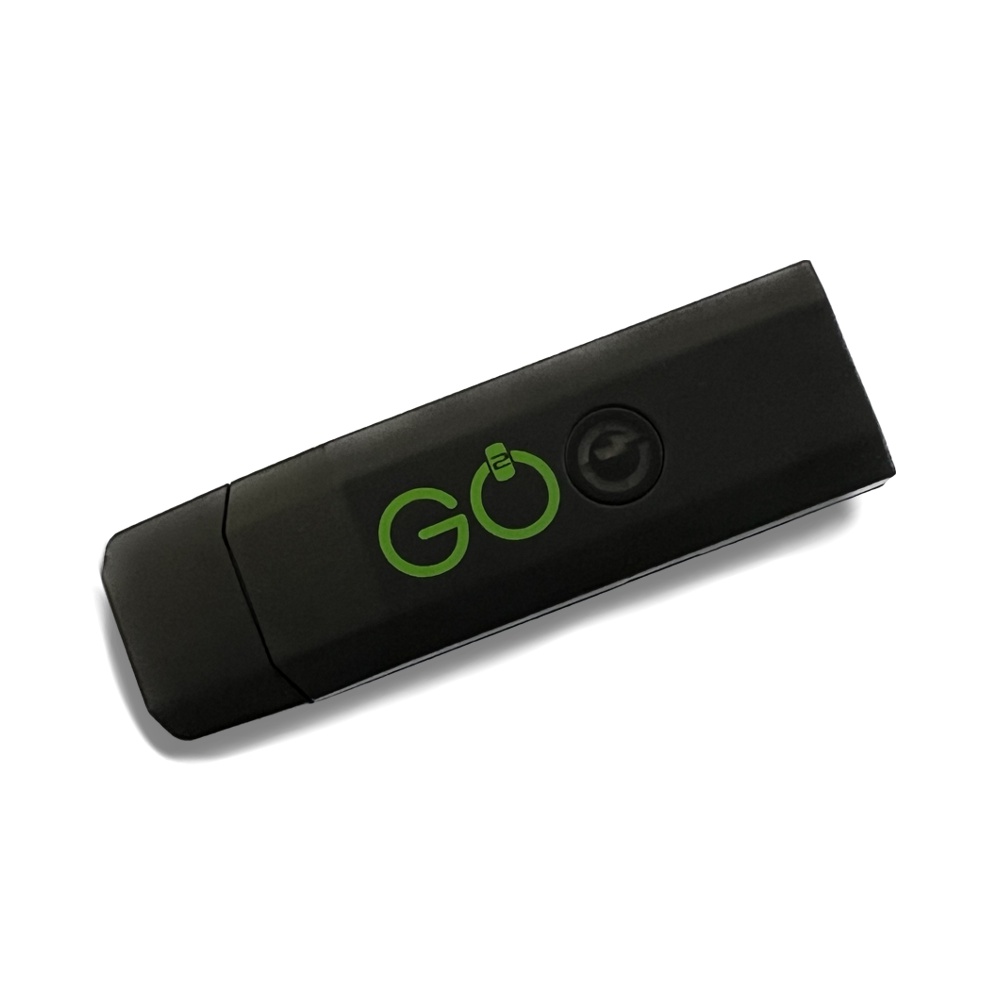
GO2
This Kit includes:
 GO2 RS232 Dongle
RS232 extender cable 1.8m/5ft
Ultra Fast Control your HDfury device using Android/iOS APP !
Compatible with any HDfury Integral2, Vertex, Vertex2, Arcana, Arcana2, Diva, Maestro TX, Maestro RX, VRRoom and Dr.HDMI 4K devices, our GO2 RS232 and Bluetooth Dongle will provide you faster control and extended Bluetooth range to operate our current devices.
Simply connect GO2 between the USB power source and your HDfury device RS232 input port and take control with the Android/iOS APP!
Add iOS/Android APP support via Bluetooth to RS232
Add remote control for HDfury Integral2, Vertex, Vertex2, Arcana, Arcana2, Diva, Maestro TX, Maestro RX, VRRoom and Dr.HDMI 4K
Control all upcoming HDfury devices
OTA (Over The Air) Firmware Update
Specifications:
Remote control HDfury Arcana, Arcana2, VRRoom, Vertex1, Vertex2, Diva, Dr.HDMI 4K, Maestro TX, Maestro RX and upcoming devices via RS232Compatible with Android and iOS APPAllow APP control via Bluetooth when network is not available for Maestro TX, Maestro RX, Diva, Vertex2 or VRRoomControl upcoming HDfury deviceLightweight and easily portable to wherever you are at home, office, traveling or in the car.Dimension: 7.7 (L) * 2.5 (W) * 1.1 (H) cm.Weight: 17gRohs CompliantCE and FCC CompliantUltra-Low Power Technology
Instructions
Connect GO2 between any USB port (wall plug or device port) and your HDfury device RS232 input.
Download the right APP for your device (see download section).
Simply launch the APP and it will autoconnect to GO2 and allow you to control your unit.
FAQ
Q: How to update the firmware on the unit?
A: GO2 RS232 use OTA (Over The Air) update method, when an update is needed the latest version of iOS or Android APP can be used to update the unit firmware..
Total Control. At your fingertips.
We provide forever free APP for our devices and a paid option by a third party



Only logged in customers who have purchased this product may leave a review.
There are no reviews yet.